







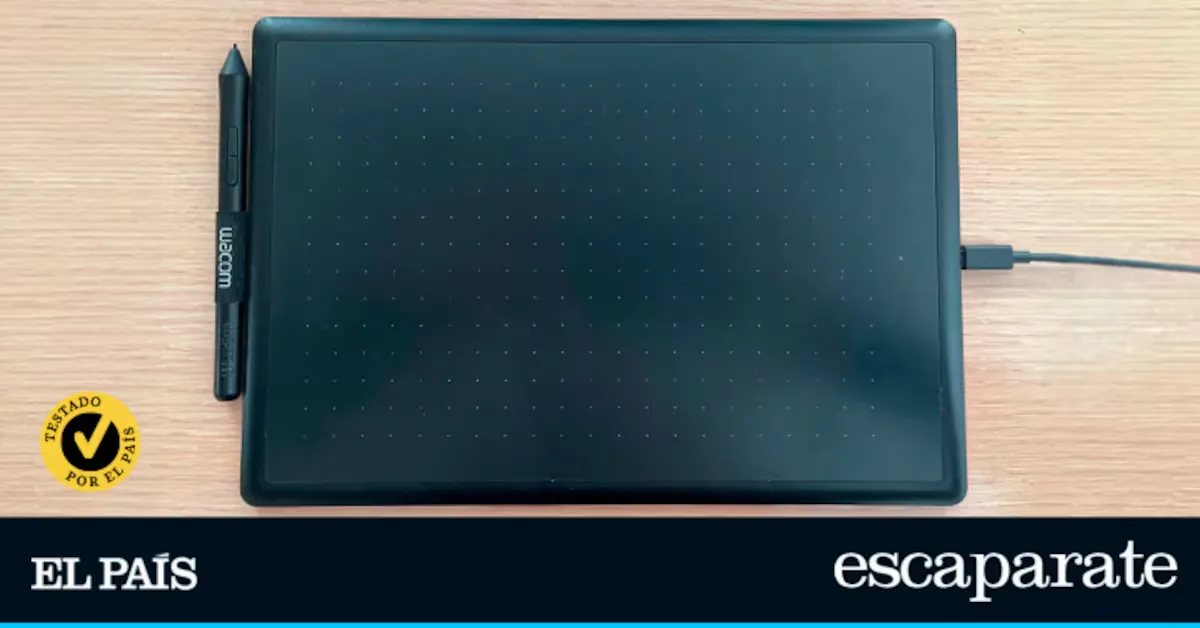
Intuos Medium
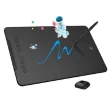
Deco 01 V3
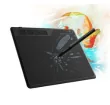
S620
S640
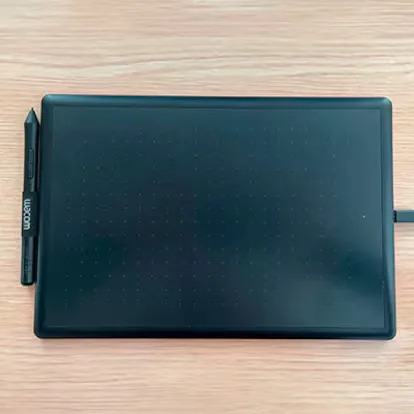
The best cheap graphics tablet
More and more people are using graphics tablets to draw, design, or edit images without needing to use a mouse. In fact, there is already a wide range of devices suitable for all budgets, like those we tested in EL PAÍS Escaparate: affordable models also designed for students, digital drawing enthusiasts, or those taking their first steps in this type of creation.
Beyond the price, choosing a good graphics tablet depends on other factors such as pen sensitivity, surface size, customizable buttons, or comfort during long work sessions, which can make a big difference in the user experience. That’s why we tested four models to find the one that best suits different needs.
Which graphics tablets have we chosen and how did we test them?
Although the operation of graphics tablets is very similar, in this comparison we considered different aspects that helped us establish a ranking based on user experience. The tablets we tested were: Wacom, XPPen, Gaomon, and Ugee.
During the test we analyzed:
- Pen precision and sensitivity: the response of different pressure levels and tilt detection.
- Ease of use: pen ergonomics, active surface size, and comfort during prolonged sessions.
- Ease of configuration: how buttons, sensitivity, and software parameters are adjusted.
- Build quality: materials, durability, and overall device feel.
- Connectivity and compatibility: its operation with major operating systems.
What is the best graphics tablet?
The Wacom Intuos Medium is the example of balance between precision, comfort, and quality. Although on paper it is not the model with the most advanced technical specifications, it is the tablet that offers the best overall experience during prolonged use, especially for those seeking a reliable tool for drawing or designing.
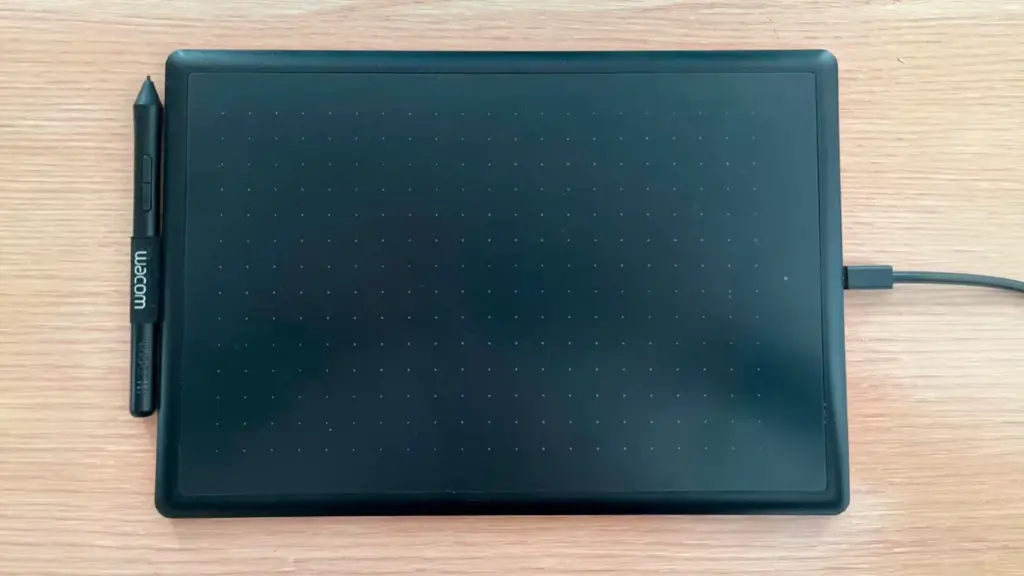
One of its strong points is the user experience. During tests, it stood out for its ergonomics, both in pen design and drawing surface, which is comfortable even during long sessions. Additionally, it includes four programmable ExpressKeys that allow assigning shortcuts to speed up common tasks. On the other hand, its digital pen also scores points, offering a very natural pressure response, making it feel like drawing on paper. Moreover, the pen is battery-free and includes replacement tips, so it requires no special maintenance beyond regular surface cleaning.
Configuration is also one of its great differentiators. Wacom’s software allows easy adjustment of pen sensitivity, button customization, and tablet adaptation to each user’s needs, which is especially important for those without prior experience with such devices.
Made of high-resistance plastic, it conveys a sense of durability superior to other alternatives in the comparison. Although it offers fewer pressure levels than other models and lacks tilt detection, its reliability, finish, and comfort make it the most recommended option for those seeking a graphics tablet to use for years.
The best:
- Material quality and sense of durability.
- Comfort for prolonged sessions.
- Simple and intuitive configuration.
- Precise and ergonomic pen.
To improve:
- Does not include tilt detection.
- Has fewer pressure levels than other models in the comparison.
Alternatives to the best graphics tablet in the comparison
XPPen Deco 01 V3 graphics tablet
The XPPen Deco 01 V3 is a particularly interesting tablet for those seeking many features without a high investment. With a good surface size and a very precise pen, it is designed for use in more demanding illustrations and edits.
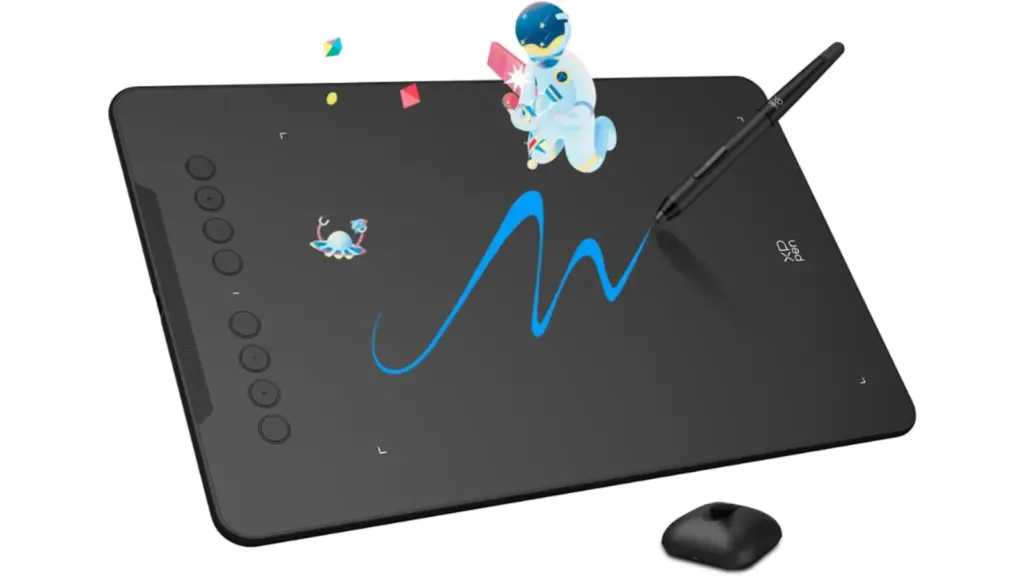
It has a work area of 10 × 6.25 inches, enough to work comfortably in illustration, graphic design, or image editing. Its great advantage lies in the stylus, which reaches 16,384 pressure levels and has tilt detection up to ±60°, offering a very precise and natural drawing response.
Additionally, it includes eight programmable shortcut keys, allowing more functions to be customized for faster work, while its software also allows easy adjustment of sensitivity and work area.
During tests, we found it offers a comfortable and precise experience, maintaining good performance even after prolonged sessions. The pen, like the other models analyzed, is battery-free and very comfortable for use over several hours.
Although it uses durable ABS plastic and offers a good overall finish, the solidity feeling does not reach the winner’s level. Also, its larger surface means a higher weight, which may be less practical if frequently transporting it. However, it offers a very good quality-price ratio.
The best:
- Very precise pen.
- Tilt detection up to ±60°.
- Eight customizable buttons.
- Very good balance between features and price.
To improve:
- Finishes are inferior,
- Larger size and weight.
Gaomon S620 graphics tablet
The Gaomon S620 ranks third in the comparison for offering very complete features considering its low price. It is an especially interesting alternative for students, digital drawing enthusiasts, or users seeking a first graphics tablet without a large investment.
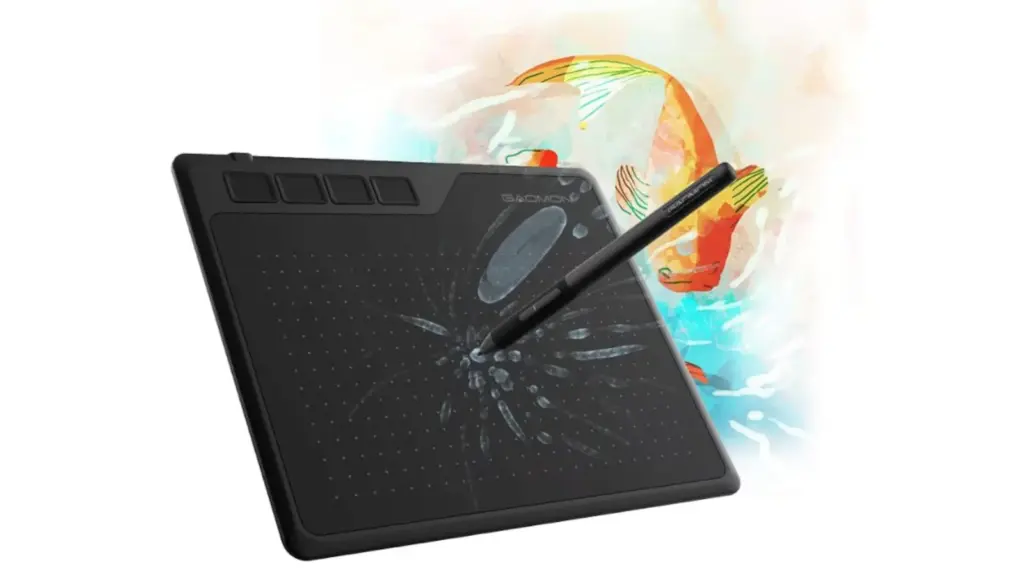
It has a resolution of 5,080 LPI, 8,192 pressure levels, and tilt detection up to ±60°, features that allow quite precise drawings and are usually found in much more expensive models.
On the other hand, we were surprised by its compact size, 6.5 × 4 inches, and approximate weight of 249 grams, making it easy to carry and perfect for frequent travelers or students, for example. It also includes four programmable keys that allow shortcut configuration to speed up work.
Read more The best oil sprayers: we tested four models to find out which one is worth it
Although it is one of the cheapest options in the entire comparison, during tests we found the experience more than satisfactory, with a lightweight pen that works without batteries and a pleasant drawing surface. The driver configuration is also simple, allowing easy adjustment of sensitivity and buttons.
In short, although its materials and finishes are somewhat simpler than the top two, its quality-price ratio and over 18,000 reviews on Amazon are hard to beat.
The best:
- Very competitive price.
- Includes tilt detection.
- Good level of precision.
- Lightweight and easy to carry design.
To improve:
- Smaller work surface than other models.
- More basic finishes.
Ugee S640 graphics tablet
Another very economical option mainly designed for those starting in digital drawing is the Ugee S640. A more basic model whose precision does not reach the previous models but fulfills its functions within its category.
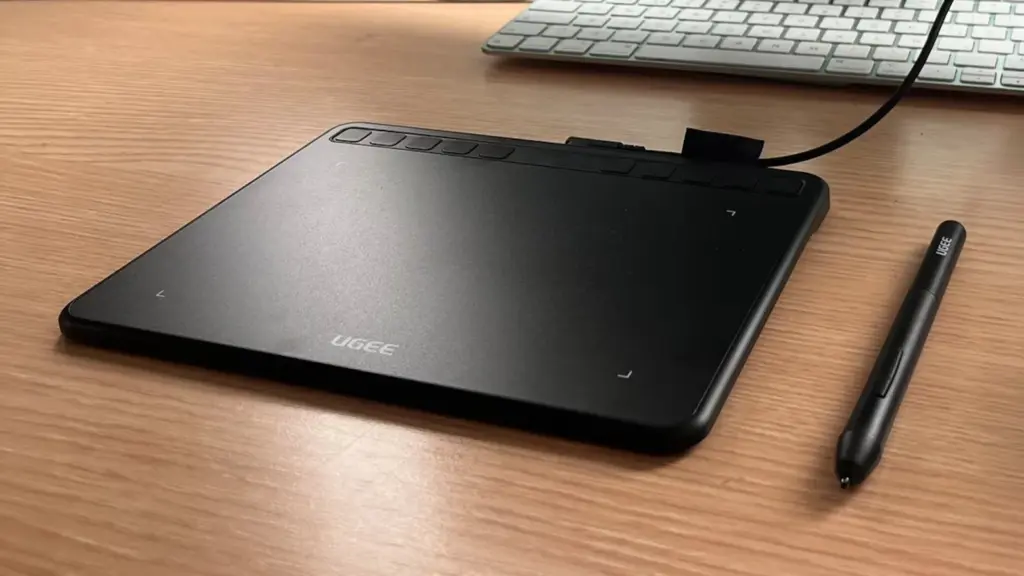
In this case, it maintains the same resolution and pressure levels as the previous model, while the programmable buttons it includes are 10, a number even higher than more expensive models. This allows customizing different shortcuts and adapting the tablet to each user’s needs.
Its size is also compact at 6.3 × 4 inches and therefore lightweight to carry even in a bag. When it comes to drawing strokes, the surface offers a good sliding feel while the battery-free pen is comfortable even during prolonged sessions.
However, there is a lesser sense of precision and simpler materials. Still, it remains a valid option for students or users seeking a basic tablet to learn and practice.
The best:
- Affordable price.
- 10 programmable buttons.
- Good features for beginners.
- Lightweight and easy to carry.
To improve:
- The user experience is less refined.
- Finishes are simpler.
Frequently asked questions about graphics tablets
What is a graphics tablet for?
A graphics tablet allows drawing, writing, or editing images more precisely than with a mouse since the stylus reproduces hand movements on the digital surface. Therefore, it is especially useful for illustration, graphic design, photo retouching, or video editing.
How many pressure levels does a good graphics tablet need?
For most users, between 4,096 and 8,192 pressure levels are enough to achieve a precise and natural experience. Models with higher numbers offer more sensitivity, although this is not always essential for beginner users.
Is a large or small graphics tablet better?
The tablet size depends on use. Large models offer more drawing space and may be more comfortable for professional work, while compact ones are easier to carry and usually comfortable enough for learning or occasional tasks.
Are graphics tablets compatible with any computer?
Most models are compatible with Windows and macOS, although some also work with Android or ChromeOS. Before buying one, it is advisable to check compatibility with the operating system you will use regularly.
[Remember that if you are an Amazon Prime user, all purchases have free shipping. Amazon offers a free, no-obligation trial period for 30 days.]
*All purchase prices included in this article are updated as of September 3, 2026.
You can follow EL PAÍS ESCAPARATE on Instagram, or subscribe here to our Newsletter.