










Video Doorbell E340
HP7 Pro 4K
Basic Line
TL-AH708
MZ-M790/EU
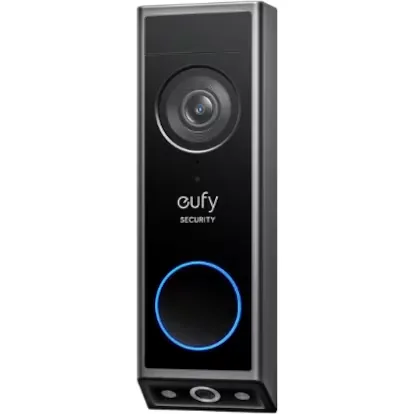
The best smart video doorbell
Just as we can install a doorbell with a camera or a smart peephole on the ‘inside’ door of the house to keep thorough control of who rings, it is also possible to ‘modernize’ the exterior door of single-family homes by equipping them with a smart video doorbell that, unlike traditional ones, can be managed directly from the mobile phone. This way, you can see who is at the door and receive alerts of suspicious movements nearby. They also allow, for example, to have a conversation with someone when you are not home or to leave messages.
How we chose and tested the products
I live in an apartment, but my parents live in a townhouse from where I usually telework —things about balancing with kids—. A few years ago, we installed a system that connects the traditional intercom to the mobile phone and since then, none of us want to go back. It doesn’t have a camera, but it sends a notification to the phone if someone rings, lets you open the door remotely, talk to whoever is on the other side…
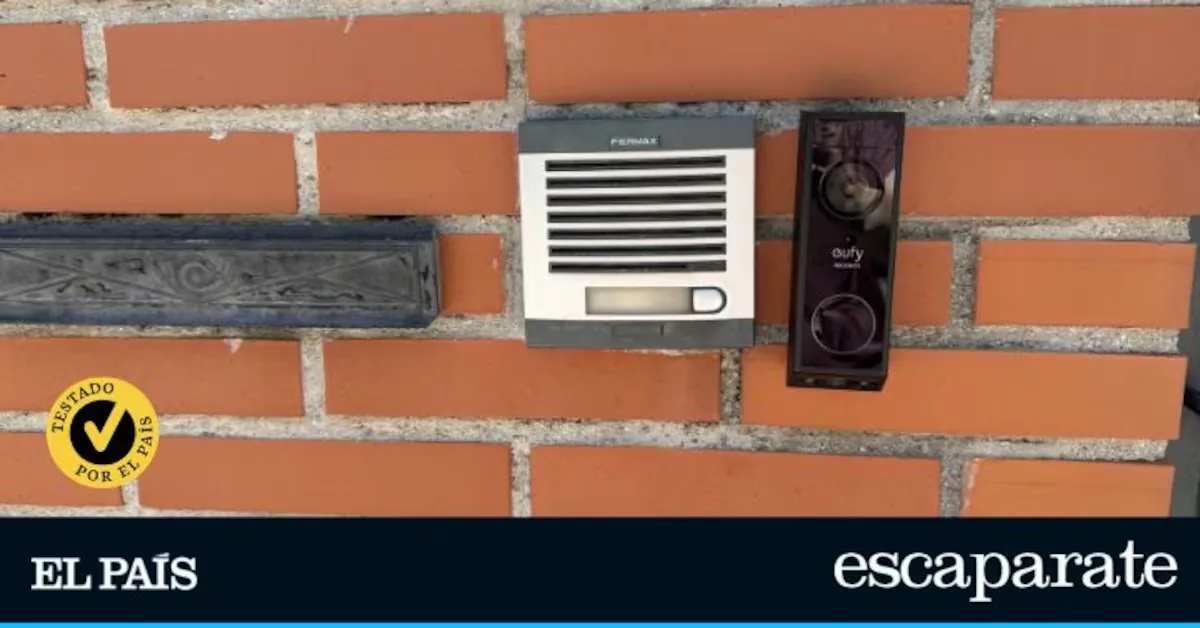
For this comparison, their house was chosen to test the different smart video doorbells. The original intercom is two-wire, so I selected models compatible with this installation, which we installed ourselves and used for at least 3 weeks.
From them, I evaluated:
- Installation. How the installation is done, if you can do it yourself or if a specialist is recommended, its difficulty, or what to consider regarding compatibility.
- Design. Its size, where it is placed, and its finish and aesthetic appeal, including the materials used.
- Ease of use. Once the video doorbell is installed, how is it controlled? Is its app intuitive? Are all functions well organized?
- Functions. What exactly each video doorbell allows you to do.
- Extras. If it has any feature that others don’t, if its battery needs recharging or if it works connected to power…
Why can you trust me?
I am a journalist with almost 20 years of experience in the technology sector and during this time, I have produced reports, articles, and all kinds of content related to various aspects of technology. Additionally, in recent years I have specialized in product analysis and have had the opportunity to review hundreds for different media, including El País: from the most affordable smartphones to the most advanced models on the market, computers, sound systems, televisions… Also devices related to personal care or home. My commitment to the reader is simple: independence, rigor, and usefulness. Independence, because my opinions are not influenced by brands or commercial interests. Rigor, because each product is tested in real conditions, for the necessary time to detect both its strengths and limitations. And usefulness, because the ultimate goal is not to impress with specifications but to help make informed decisions.
Wireless: eufy Security Video Doorbell E340
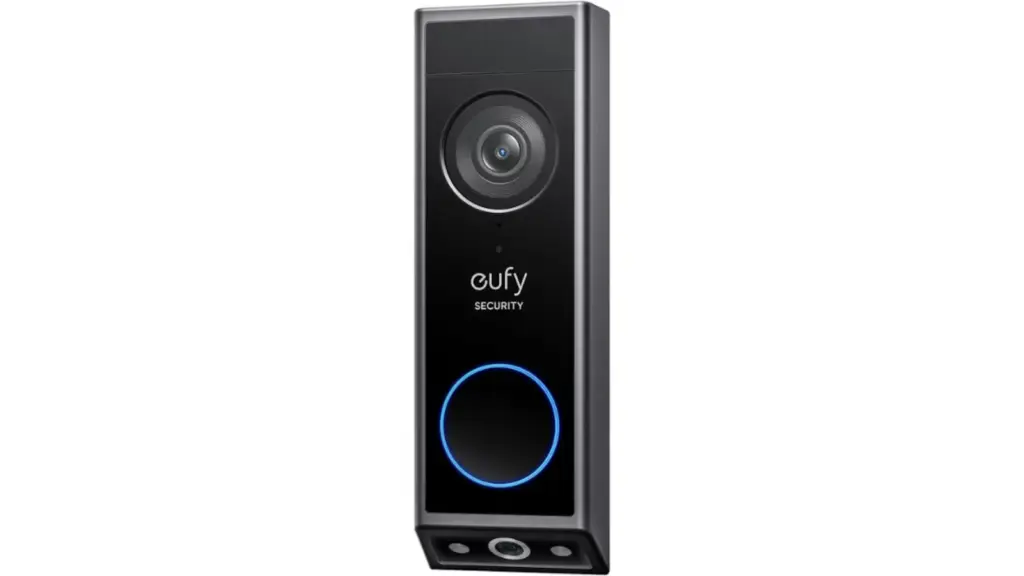
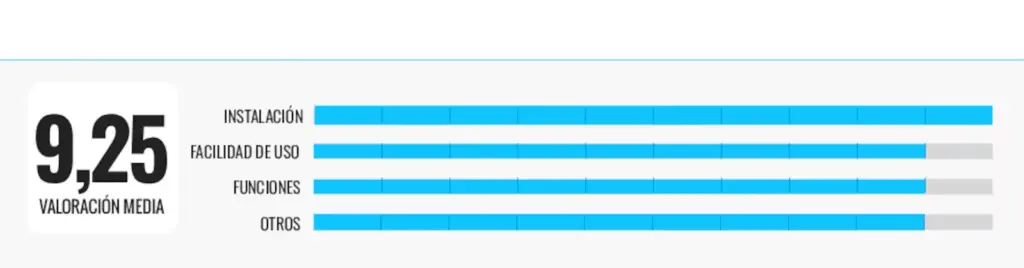
Who is it for: those looking for an easy-to-install video doorbell to increase home security and prioritize privacy.
Why we recommend it: although it can be used alone, during the weeks I used the eufy Security Video Doorbell E340 I did so together with the Eufy Security HomeBase S380 base; a complement that greatly improves the set. It must be connected to the router by cable (so I placed it in the living room) and through the app, the video doorbell is paired. The process is very fast. Then, I like that it is not necessary to connect it by cable where the previous doorbell was to work —although it can also be done—, but it works directly wirelessly. You just have to be careful to recharge the battery before it runs out. It does not come with a separate screen and all management is done through the mobile.
Thanks to the base, recordings are saved directly locally —no cloud upload—, and when reviewing events from the app, loading is quite fast. During my tests, I checked several motion recordings (visitors ringing the doorbell, delivery people…) and access was quick, without depending on the quality of my external connection. Despite being outside (with the traffic of people that implies), it detects quite well when to send a notification to the phone. And although I had ‘false alarms’, many times I only received relevant notifications, like when someone really approached the door.
Also noteworthy is that it has two cameras, one pointing up and another down, as well as two-way audio. The quality is not that of a phone call, but it served me to talk to delivery people when I was not home without delays and understanding each other perfectly.
Its weak points: battery mode autonomy, although correct, depends a lot on use. In my case, with quite a bit of daily traffic, I had to watch the charge more than I expected.
| Technical sheet |
|---|
| Video resolution: 2K |
| Viewing angle: approximately 160º |
| Night vision: yes, with infrared and color |
| Audio: two-way |
| Connectivity: Wi-Fi |
| Power supply: rechargeable battery or wired |
Smart: EZVIZ HP7 Pro 4K
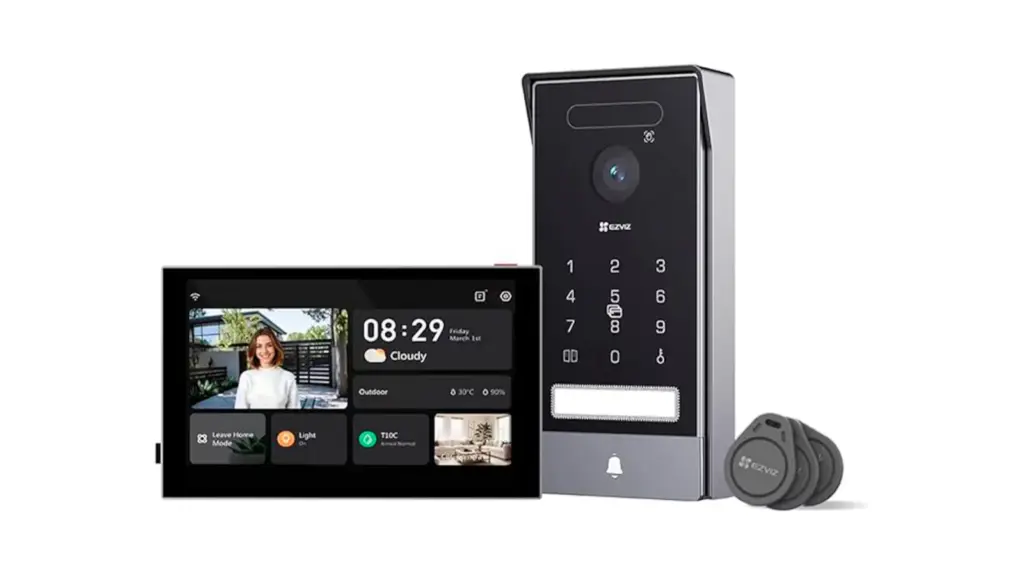
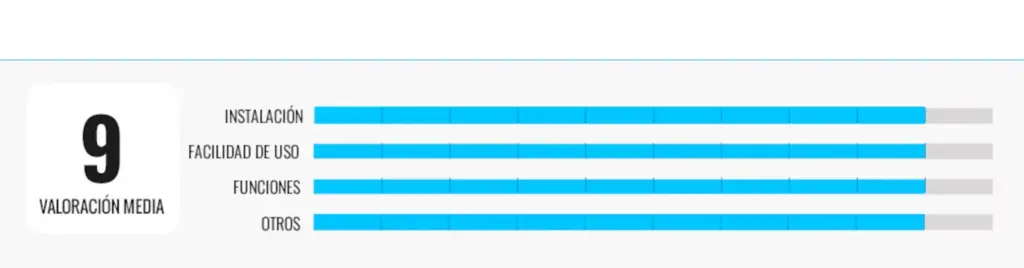
Who is it for: users who, in addition to a system to communicate with visitors, seek an easier way to open the door upon arrival.
Why we recommend it: while other smart video doorbell models rely on RFID cards to open the door comfortably, this model uses this method but also facial recognition and palm recognition, QR codes, and access codes. It is really versatile and everything is configured very easily from the app. I had no difficulties in this regard, but anyone with a bit less experience can do it by following the manual instructions step by step, which has complete information on how to configure the different unlocking modes and a QR code to see all this information in video, making the whole process very easy. The same goes for the assembly instructions, which I found very clear, with text explanation, diagrams, and illustrations. That said, and having tested all options, personally the most comfortable for me is palm recognition. Once you get the hang of it (the hand has to be completely straight, at a certain height…), it is the fastest. Facial recognition works well, but it forced me to bend down and didn’t seem the most practical.
Regarding the other possibilities of this video doorbell, everything works smoothly. If you press to open the door from the monitor, the response is immediate; also if you do it from the mobile. When I talk to whoever is on the other side, it sounds very good and without delay, and I can also check an access history log, and I receive an alert if someone enters ‘without permission’. The images are also clear and sharp both day and night.
Its weak points: it has so many options that until you get familiar with everything it can be somewhat overwhelming.
| Technical sheet |
|---|
| Video resolution: 4K |
| Viewing angle: 2.0 mm fixed lens with f1.6 aperture, 158º diagonal |
| Night vision: automatic IR filter, color and black and white night vision, range up to 6 meters |
| Audio: high sensitivity microphone and high power speaker for two-way audio |
| Connectivity: Wi-Fi 6, dual-band compatible, EZVIZ proprietary cloud protocol for remote control and device management |
| Power supply: the outdoor panel is powered via the indoor monitor |
Maximum security: Goliath Basic Line
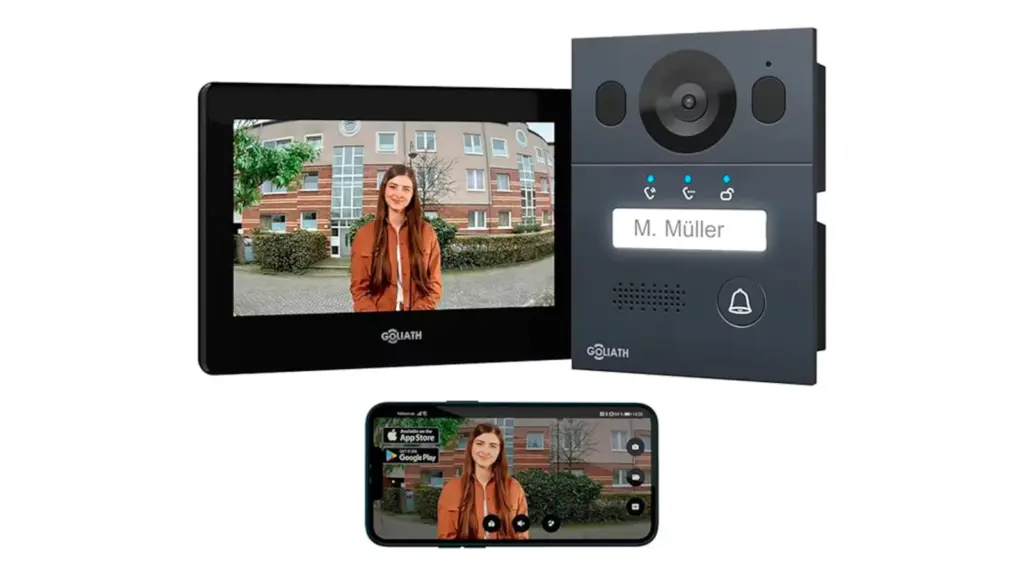
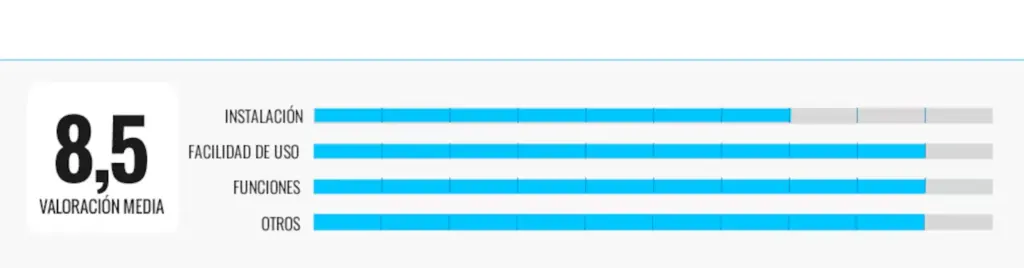
Who is it for: those looking for a model with good finishes, perfect operation, and advanced security features.
Why we recommend it: the manual is very complete (60 pages), with wiring diagrams, configuration, mounting recommendations… but despite all this it was one of the most complicated for us to install. Also, it is in English or German. The videos we found online helped us a lot in this regard. It took us nearly 2 hours to have everything ready, and I don’t think it is suitable for everyone.
Among its features, it stands out that, unlike other models, it has a tamper contact on the back that activates alarms on the outdoor station, indoor station, and smartphone if manipulation attempts are detected. It is also weather resistant (IP65) and the build quality is among the best in the comparison. It captures very clear and wide images, both day and night, and when responding from the mobile I always had the feeling that everything works perfectly: you press any option and the response is immediate. Like other models, besides sending alerts when someone is at the door, it also records images on a memory card, opens the door, allows leaving voice messages…
Its weak points: the installation process is complex and not for beginners.
| Technical sheet |
|---|
| Video resolution: Full HD |
| Viewing angle: 150° diagonal |
| Night vision: infrared (LED IR) with clear vision in darkness |
| Audio: two-way (built-in microphone and speaker), G.711 compression |
| Connectivity: Wi-Fi (2.4 GHz), push notifications via app (DMSS/Tuya), and 2-wire BUS wiring for audio/video/power |
| Power supply: BUS module wired; no internal battery |
Wireless: Simbalai TL-AH708
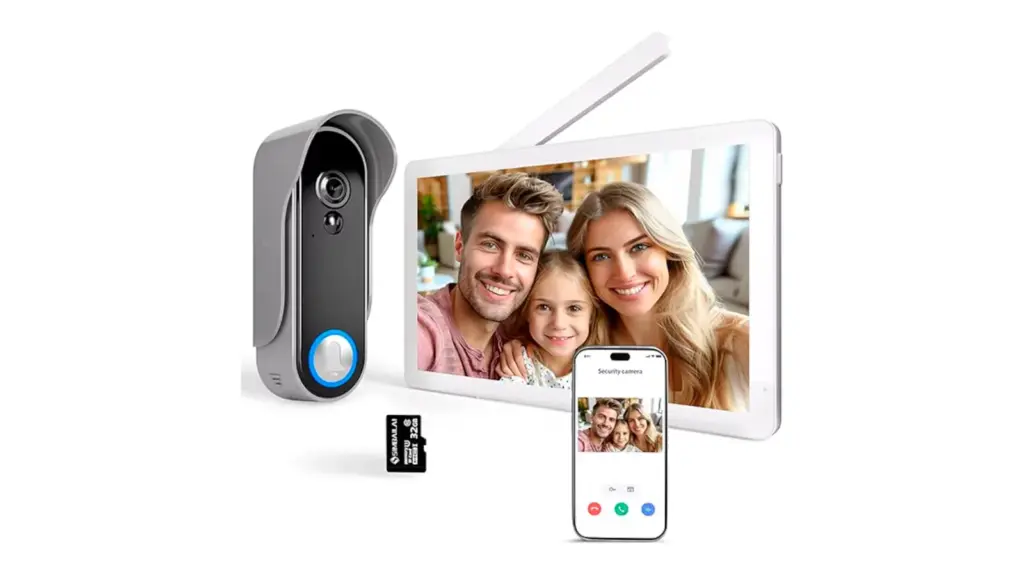
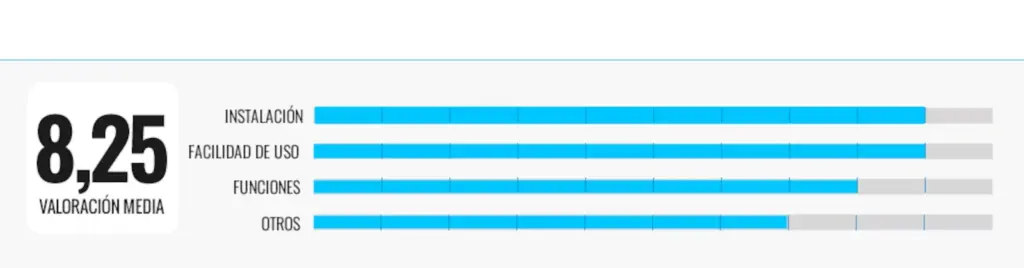
Who is it for: those looking for a simple installation and wanting to keep the phone inside the house.
Why we recommend it: when installing this video doorbell we could not replace the old one: we had to install it next to it. And it was for two reasons. The first because the old hole is square, and if we removed it this one would not cover it and we would need some frame or additional decorative solution. The second, because this video doorbell really doesn’t need cables. First, we placed a frame on the wall with some screws and then fixed the outdoor unit. We charged the battery separately and, once full, placed it with a screw that ensures it stays in place. After that, I turned on the indoor unit, which must always be connected to power, so I placed it in the living room on a side table. Since it comes factory paired, it was seen directly.
Read more Colette’s Herbarium: An Imagined Natural History of Flowers
During the time I was testing this water-resistant and weatherproof video doorbell, I also installed an app on the phone —paired with the indoor unit— that sends an alert if someone is at the door or activates a notification if it detects movement in the area. I had to disable this last feature because, being a door that opens directly to the street, it was annoying to be notified all the time every time someone just passed by. Otherwise, the instructions are very detailed and in Spanish.
Its weak points: since it is not installed with wiring and is outside the house, I have the feeling that anyone could take the outdoor unit.
| Technical sheet |
|---|
| Video resolution: Full HD |
| Viewing angle: 160º lens |
| Night vision: infrared |
| Audio: two-way, real-time alerts |
| Connectivity: compatible with Wi-Fi 2.4 GHz and 5 GHz |
| Power supply: outdoor unit with 5,000 mAh lithium battery (up to 90 days autonomy) |
With keys: Tmezon WiFi Video Doorbell MZ-M790/EU
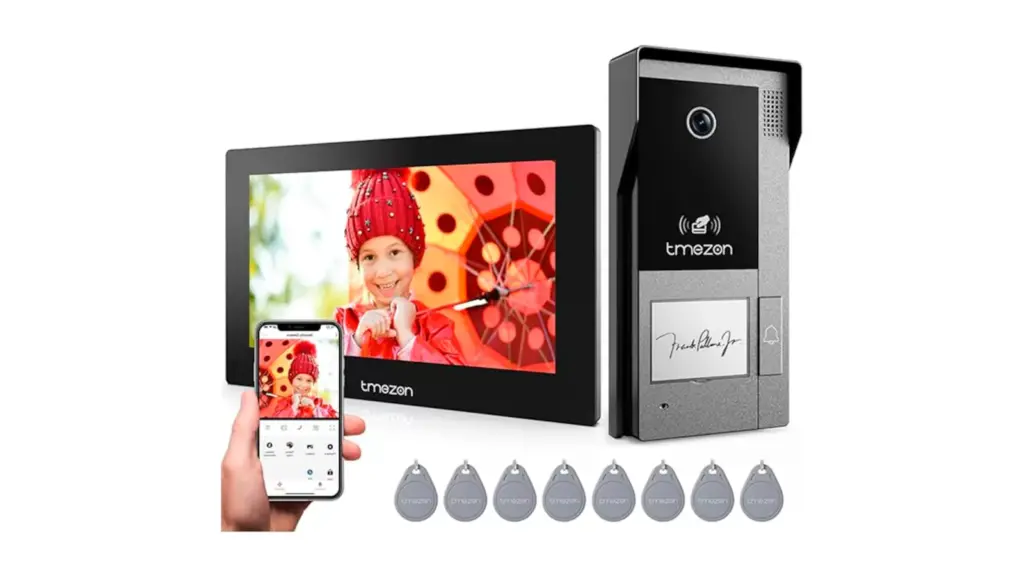
Who is it for: those looking for a more traditional aesthetic system without giving up smart functions.
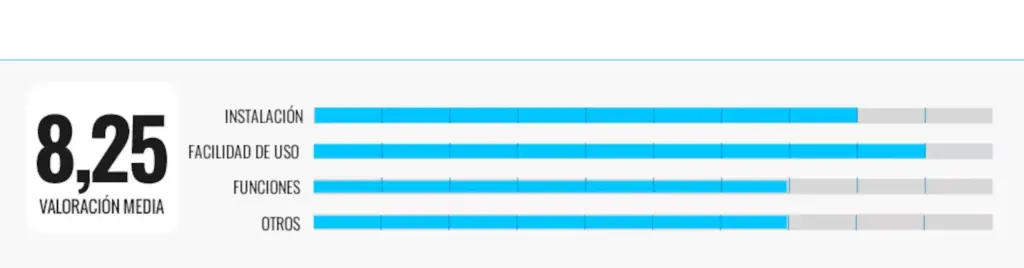
Why we recommend it: if you already have an intercom with a two-wire cable (as was our case), just remove the old one and place the new one. If not, it comes with a 10-meter cable, but personally installing it hidden seems impossible if it doesn’t fit through the previous terminal block. That said, since in our case it was simple, it took us half an hour to have it ready. The indoor unit is designed for fixed installation, so we placed it instead of the old handset. The next step was to download the TuyaSmart app —the same as the Simbalai model— to configure everything, and in less than 1 hour it was working. If someone rings, we can approach the screen and see who it is, communicate, open the door… And when we are not home, it is also possible to do the same from the mobile. If no one answers, a message that must be recorded beforehand is heard inviting to leave a voice message. The image is also recorded on a memory card (although it is not mandatory to install it).
As a differential feature, it comes with 8 RFID keys that can be placed on the keychain and open the door directly when brought close to the outdoor intercom. I especially like that the image quality is great both day and night, and that different ‘ring tones’ can be selected —like a mobile call— and the volume adjusted; if muted, a light signal is shown.
Its weak points: the manual could be improved, with scarce and not very well explained information.
| Technical sheet |
|---|
| Video resolution: Full HD |
| Viewing angle: 140° lens |
| Night vision: infrared (LED IR for low light conditions) |
| Audio: two-way, real-time alerts via mobile notifications when detecting movement or pressing the doorbell |
| Connectivity: Wi-Fi 2.4 GHz + 2-wire cable connection between outdoor and indoor units; not compatible with 5 GHz |
| Power supply: outdoor unit powered by indoor unit via 2-wire cable |
Other interesting smart intercom models
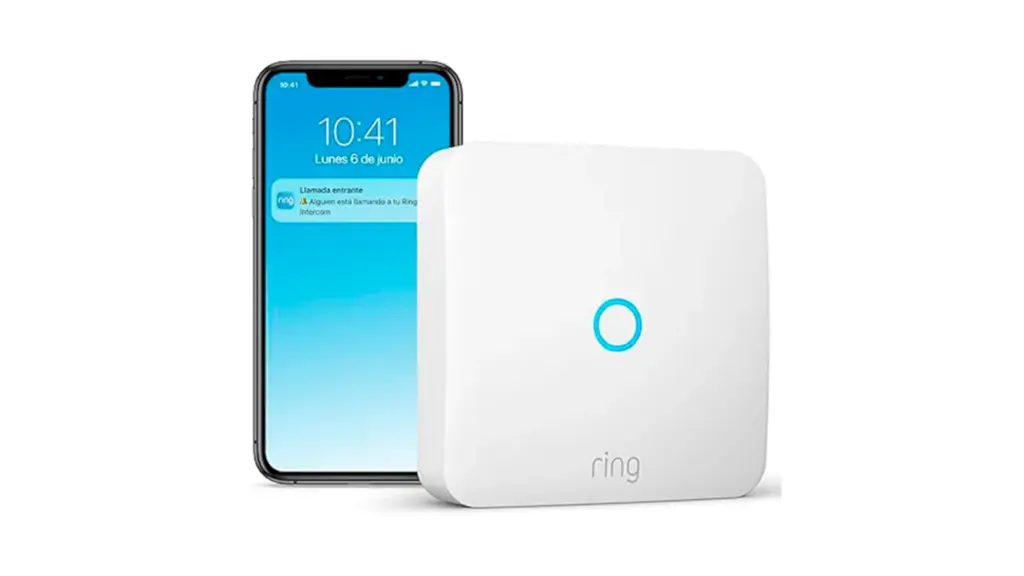
If you want to make use of the one you already have: you can complement it with Ring Intercom, which will send a notification to your phone every time someone is at the door, let you talk to that person, and open remotely.
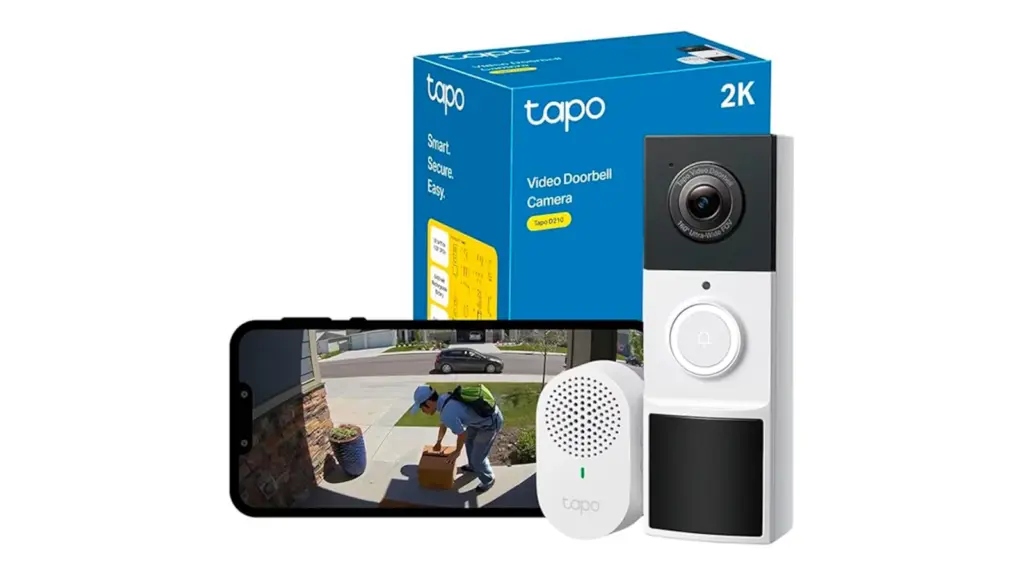
If you want one in doorbell format: Tapo D210 replaces the home doorbell and also connects to the mobile via Wi-Fi. With a 2K camera, it includes intelligent motion detection, night vision, two-way audio…
Frequently asked questions about smart video doorbells
What is a smart intercom?
A smart intercom or smart video doorbell is a device that allows you to see, hear, and talk to whoever rings your door from your mobile, tablet, or an indoor panel. Many models also allow remote door opening.
What advantages does it have over a traditional intercom?
Among its main advantages are control from the mobile to answer from anywhere, see who is ringing even if you are not home, check a visit history…
Do I need to change the entire electrical installation to install one?
Not necessarily. Some models are compatible with existing analog or digital intercom installations. Others may require adapters or partial renovation.
Do they work if I am not home?
Yes. If connected to the internet, you can answer calls from anywhere in the world, as long as you have connection on your mobile.
Can I open the door from the mobile?
Yes. Most models allow activating the door opener from the app after verifying who is at the entrance.
What happens if the power goes out or WiFi drops?
If the power goes out, the system stops working unless it has backup battery (rare). If WiFi cuts, some models continue working within the local network, but you lose remote access from the mobile.
[Remember that if you are an Amazon Prime user, all purchases have free shipping. Amazon offers a free and no-obligation trial period for 30 days.]
*All purchase prices included in this article are updated as of August 25, 2026.
You can follow EL PAÍS ESCAPARATE on Instagram, or subscribe here to our Newsletter.