








HiPrint
Zoemini 2
Instax Mini Link
X3
The best portable photo printer
Although nowadays the vast majority of people store their photos on their mobile phones, in the cloud, or published on their social networks, there are still many – including myself – who like to have photographs in paper format. And there is no better way to save memories than in traditional photo albums, those you can take out when your friends and family come over, that transport you to thousands of moments, or that, even in the future, will be the legacy that many people will leave to their children to show them what their parents’ lives were like.
Furthermore, getting these photos is very easy thanks to devices like portable photo printers for mobile phones, small compact devices that allow you to print photos taken from your smartphone quickly and with good quality. In this comparison, I have tested several of them for people interested in acquiring one.
How we chose and rated the products:
Since I was little, I’ve loved photography, and in fact, I’m the typical friend who is always taking photos, whether with my mobile, with my mirrorless camera, or even with my analog cameras. I love capturing moments and then making albums or giving copies to the people I love most. For this reason, I have been using the portable photo printers participating in this comparison for several weeks. I only had to synchronize them with my phone via Bluetooth or connect them with their own app and send the photos I wanted to print.
This way, I have been able to obtain images in different sizes and with varied qualities, in order to check which one I liked best, but also to expand my album of memories. When analyzing and rating them, I have taken into account the following aspects:
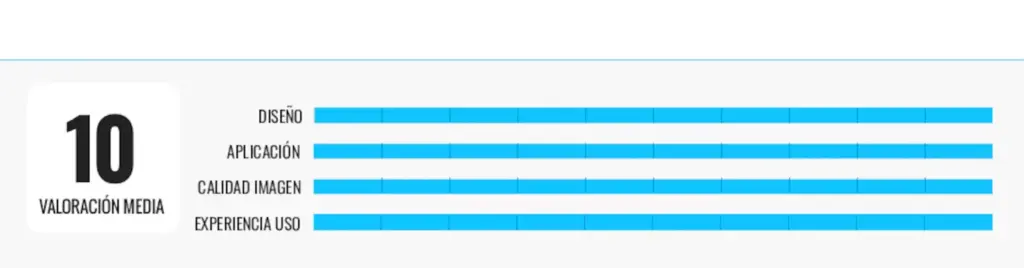
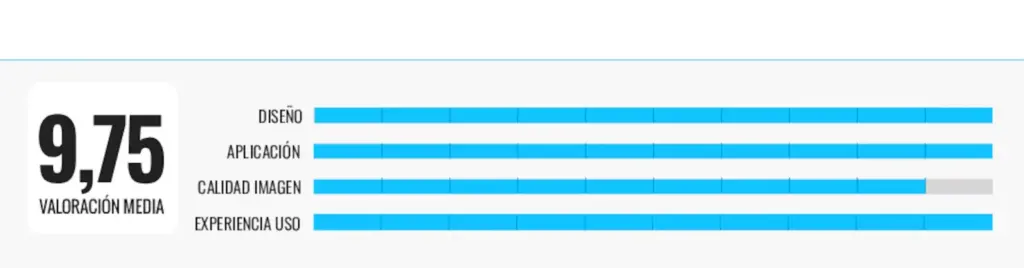
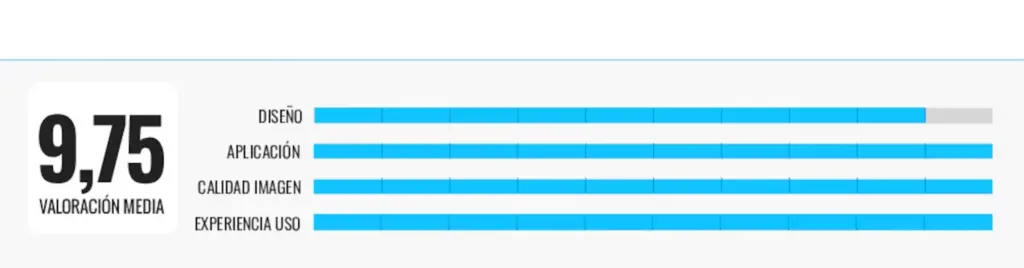
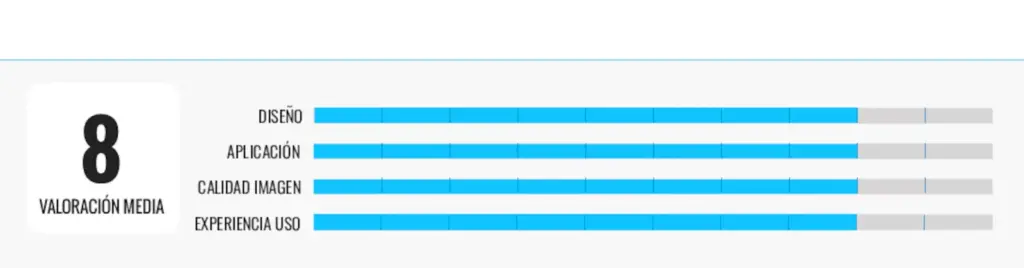
- Design: not only in terms of dimensions and weight, but also the quality of its finishes in line with its price.
- Application: To use these printers, it is essential to install an application to link it with the mobile phone. What is this application like? What possibilities does it offer?
- Image quality: The results they provide are not comparable to desktop printers with photographic capabilities. This does not prevent each of these mini printers from being required to have a minimum quality. How is the color reproduction? And the level of detail?
- User experience: if the printer works as expected, doesn’t jam, has an adequate printing speed… Battery life must also be taken into account, although generally its capacity is quite limited, as is the recharging time.
Why you can trust me?
I am a journalist specialized in technology, and in recent years, I have focused on product analysis and the creation of comparisons, testing all kinds of devices and articles for home and personal care. In each of them, I analyze the products under real conditions, reviewing their characteristics, advantages, and possible limitations to offer clear and useful recommendations. My objective is simple: to help the reader choose wisely among the different options on the market, always based on verified information, practical experience, and an independent perspective.
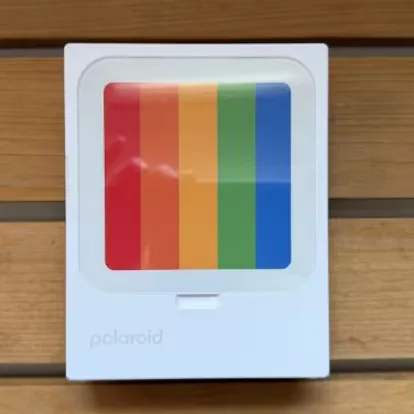
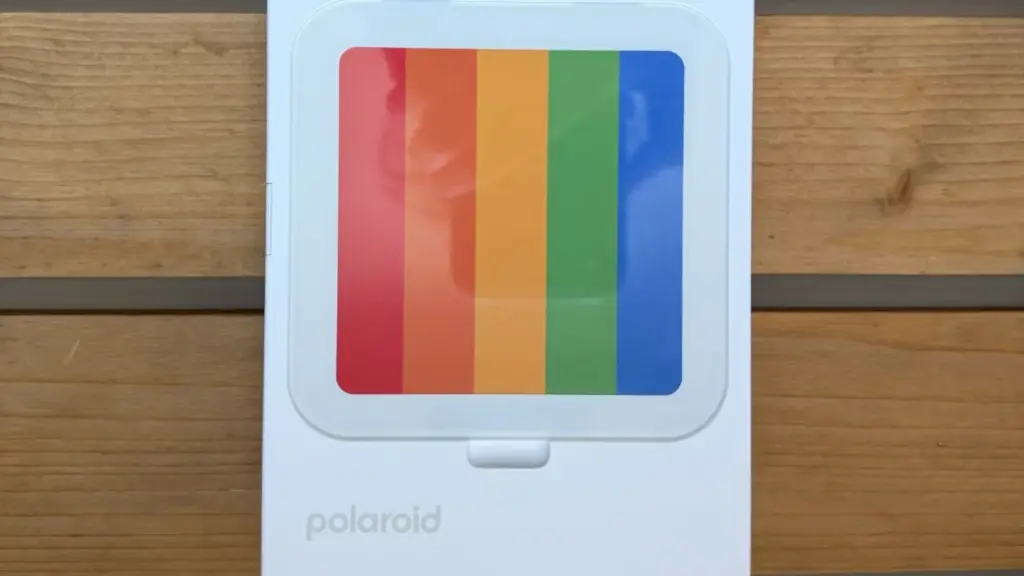
With sublimation technology: Polaroid – HiPrint
Who it’s for: For those looking for a quality printer with technology that guarantees photos with more intense colors.
Why we chose it: It has a square format of 3 x 3 inches (7.6 x 7.6 cm), reminiscent of the classic Polaroid style, although the images do not use instant film, but rather thermal sublimation technology (dye-sublimation). This translates into photographs with very vivid colors, good gradients, and greater resistance to water, fingerprints, and the passage of time than prints made with ZINK. In addition, the printing process is quite interesting to watch, as the paper enters and exits several times while applying the different color layers before the protective finish.
The setup also seemed very simple to me. Just install the Polaroid Hi-Print app and select the photo from your mobile. The app includes basic editing tools, such as cropping, filters, frames, text, or stickers, enough to personalize images before printing them. I especially liked that the whole process is very intuitive and that it only takes a few seconds to prepare each photo.
Beyond being a portable printer, it incorporates a small transparent cover that allows you to place one of the printed photos on top and use the device itself as a decorative frame. It’s a simple detail, but it gives it a lot of personality and prevents it from ending up stored in a drawer when not in use.
Its weak points: Polaroid’s specific paper is quite expensive.
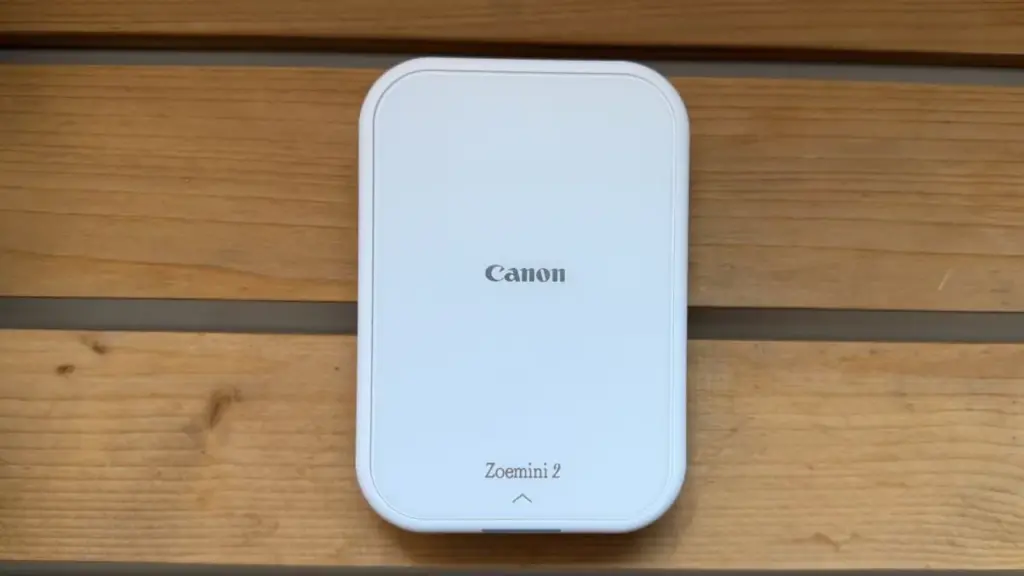
With sticker format photos: Canon Zoemini 2
Who it’s for: People who want a printer that prints borderless photos, with good quality and very fast.
Why we chose it: It is so compact that it can be carried in a backpack or even a small bag without taking up much space. The Canon Mini Print app allows you to edit photos before printing them, adding filters, frames, collages, or text to give them a more creative touch.
One of the aspects I liked is that it uses ZINK (Zero Ink) technology, which eliminates the need for ink cartridges. You just need to load the photo paper and start printing. In addition, the paper has an adhesive backing, so photos can be used as stickers to decorate notebooks, albums, or stick them on the back of your phone, a feature that I find especially useful if, like me, you enjoy crafts and decorations.
Its battery charges via USB-C, and the print quality seems adequate for the type of product it is: the photos are small but print full-page, meaning they don’t come out with the typical white border, although it is possible to add it from the app.
Its weak points: The image print quality is lower than printers that use chemical development.
For retro photo lovers: Fujifilm Instax Mini Link
Who it’s for: If you’re looking for the magic of traditional instant photography, you love the classic frame, and prioritize retro aesthetics
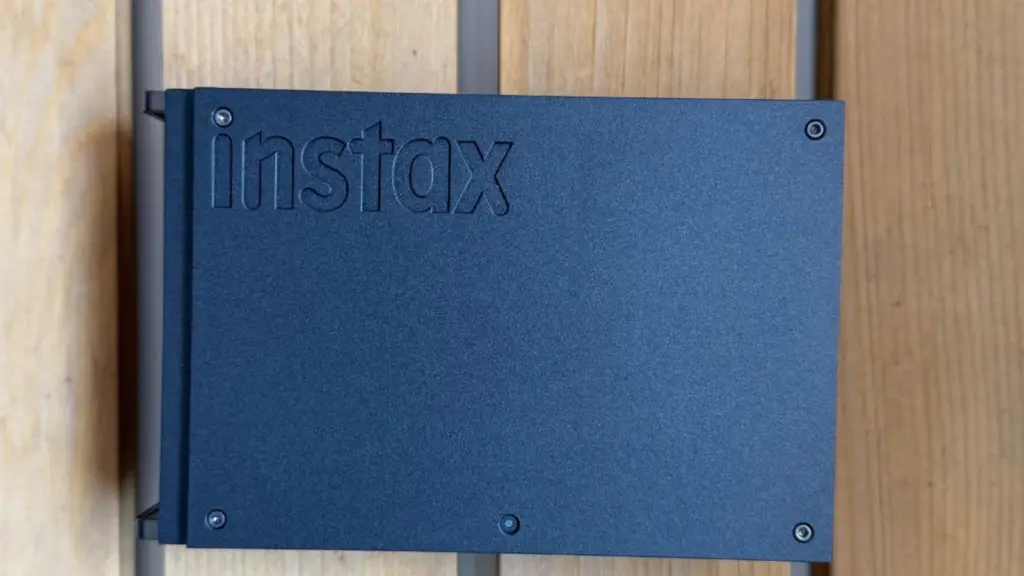
Why we chose it: It seems to me one of those portable printers designed more for enjoying the process, as it produces images that look like they were taken with a Polaroid camera. It has a compact size, so it can be comfortably carried anywhere, and its battery is rechargeable via USB.
Regarding its features, the Instax app offers quite a few options for editing photos before printing them, adding frames, collages, or small creative effects. In addition, it has a multiple print function that allows printing up to ten pre-visualized and selected images in Image Simulation mode in a single step.
Printing takes only a few seconds, and the finish retains that characteristic look of Fujifilm instant photos, with good colors as it uses chemical development that makes the colors withstand the passage of years very well if not exposed to direct sunlight.
Its weak points: The printing paper is expensive and the images are small.
For printing stickers: ORGBRO Mini Thermal Printer
Who it’s for: People who want a very cheap printer for stickers and small details.
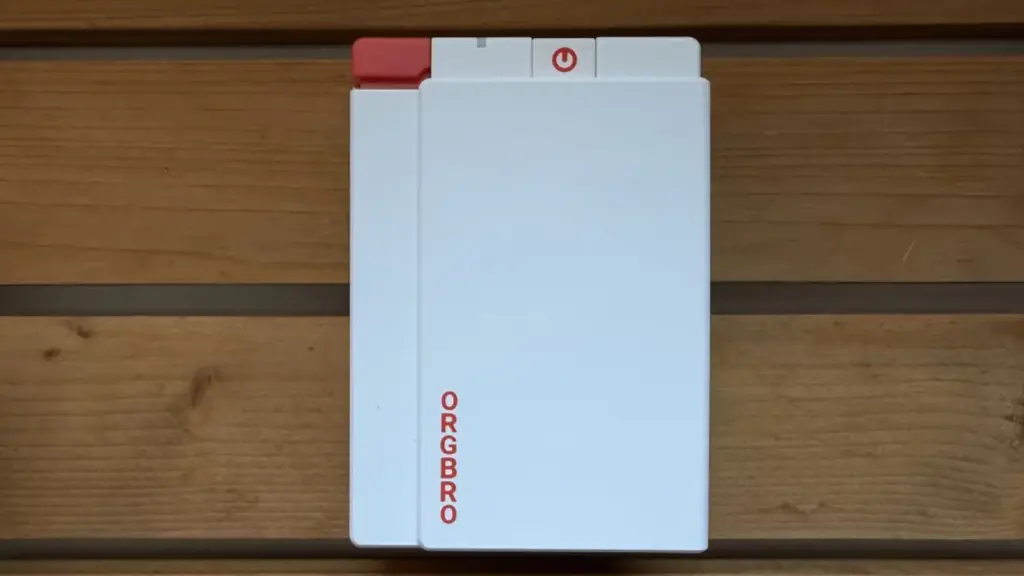
Why we chose it: Unlike previous models, it is not designed to produce professional-finish photo copies, but rather to quickly and easily print small images, labels, lists, reminders, or stickers from your mobile. I have mainly used it to create adhesive labels for boxes and containers, print small drawings, and save some memories. Its main appeal is precisely that immediacy: select an image from your phone, send it to the printer, and have it ready in a few seconds without the need for ink or cartridges.
It is a lightweight and easy-to-transport device, designed to be carried in a backpack or even a pencil case along with other stationery. Its operation is very simple: through the application, it is possible to edit images before printing them, add texts, icons, or templates. The paper it uses is adhesive and allows direct sticking of prints where needed.
It uses inkless thermal printing technology, so there’s no need to worry about buying cartridges or performing maintenance. The thermal print head applies heat to special paper that reacts and generates the image. In addition, this model has a resolution of up to 300 dpi, superior to many basic mini thermal printers, which helps small texts and drawings have a fairly correct definition for its reduced price.
Its weak points: It does not have the photographic print quality of the other models, but is more for use with adhesives and small details.
Another interesting portable photo printer model:
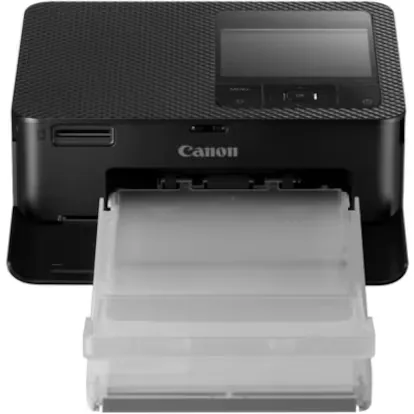
If you are looking for a quality printer with an original design
Frequently asked questions about portable photo printers:
How does a portable photo printer work?
Portable photo printers connect to your smartphone or tablet via Bluetooth (and, in some models, also via Wi-Fi). Through a specific application, you can select images, edit them, and send them to print in a matter of seconds.
Do they need ink to print?
It depends on the technology they use: ZINK (Zero Ink): they don’t need ink cartridges, as the color is integrated into the photo paper; thermal sublimation: they use a cartridge or ribbon with color layers that are transferred to the paper by heat, offering superior quality; instant film (Instax): they use photosensitive film cartridges that automatically develop the image after printing.
What print quality do they offer?
The quality is usually sufficient for memories, albums, or decoration, although it does not reach the level of a professional photo printer. Thermal sublimation printers usually offer more accurate colors and greater durability than those with ZINK technology.
What size are the photos?
The size depends on the model. The most common are: 2 x 3 inches (approximately 5 x 7.6 cm); Instax Mini format (6.2 × 4.6 cm image); Instax Square format and Instax Wide format, less common in portable printers.
Can photos be edited before printing?
Yes. Most manufacturers include an application with tools to adjust brightness, contrast, and saturation, apply filters, add text or frames, create collages, and print several images on the same photograph.
How long does it take to print a photo?
Normally between 15 seconds and one minute, depending on the technology used.
Are the photos water resistant?
Thermal sublimation prints usually incorporate a protective layer that makes them resistant to water, fingerprints, and fading. ZINK paper also offers some resistance, although it is generally less durable than sublimation.
Are adhesive photos reusable?
No. Adhesive paper allows photos to be stuck once, but when peeled off, it loses much of its adhesive capacity.
Can I print photos from any mobile?
Yes, as long as the device is compatible with the manufacturer’s official app and has Bluetooth. Most work with both Android and iPhone.
How many photos does a battery print?
It depends on the model, but typically between 20 and 50 photos per charge.
What is the difference between a ZINK printer and a thermal sublimation printer?
ZINK technology stands out for being simpler and more economical to maintain, as it does not use ink. Thermal sublimation, on the other hand, offers superior image quality, better gradients, and greater durability of photographs, although consumables are usually more expensive
[Remember that if you are an Amazon Prime user, all purchases have free shipping costs. Amazon offers a free and no-obligation trial period for 30 days.]
*All purchase prices included in this article are updated as of July 27, 2026.
You can follow EL PAÍS ESCAPARATE on Instagram, or subscribe to our Newsletter here.